
Stop fighting your slides. Start using the tools already sitting inside them.
Most people are stuck rebuilding the same presentation from scratch every time, unaware that Copilot and AI could be doing the heavy lifting already. This workshop gets your team hands-on with PowerPoint’s newest features, maximising Copilot and AI alongside rarely-known built-in tools that make presentations genuinely memorable, not another deck nobody remembers.
We recommend:
Online
3hrs
Up to 20 people
What you’ll learn & do
By the end of this workshop, your people will be able to:
- Build interactive agenda slides that let presenters jump straight to any part of the deck
- Understand the key tools for presenting PowerPoints in online meetings
- Use AI to coach their own presentations
- Find images the modern way, not another generic stock photo search
- Replace bullet points with diagrams in a few clicks
- Use AI image editing: background removal, image upscaling, erasing parts of an image, and more
- Make use of premade prompts using Copilot Skills or make your own
- Get PowerPoint documents matching brand guidelines automatically
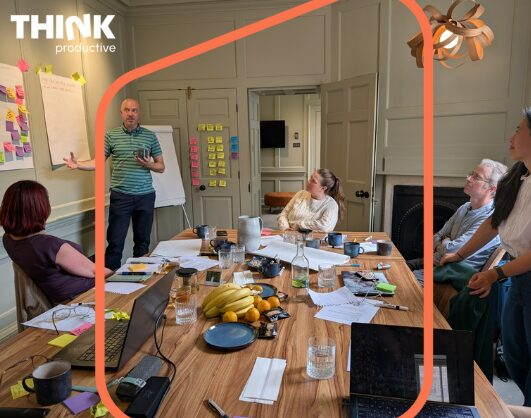
94%
of participants would recommend our workshops
Who is this workshop for?
- Anyone presenting four or more times a year, in any context
- Anyone who regularly prepares slides for others, even if they’re not the one presenting
- Entry-level, and relevant whether your organisation is on Copilot Free or Copilot Premium
What this workshop offers
- Learning by doing. A practical, hands-on session built around the tools your people already use every day.
- Meets you where you are. Entry-level and relevant whether your organisation is on Copilot Free or Copilot Premium.
- Learning that lasts. Every participant gets access to the Productivity Ninja® Academy.
- A format that fits. 3 hours, live online, for up to 20 people.
- Built to stick. Add an Impact Clinic 1 and 3 months later to keep new habits alive.
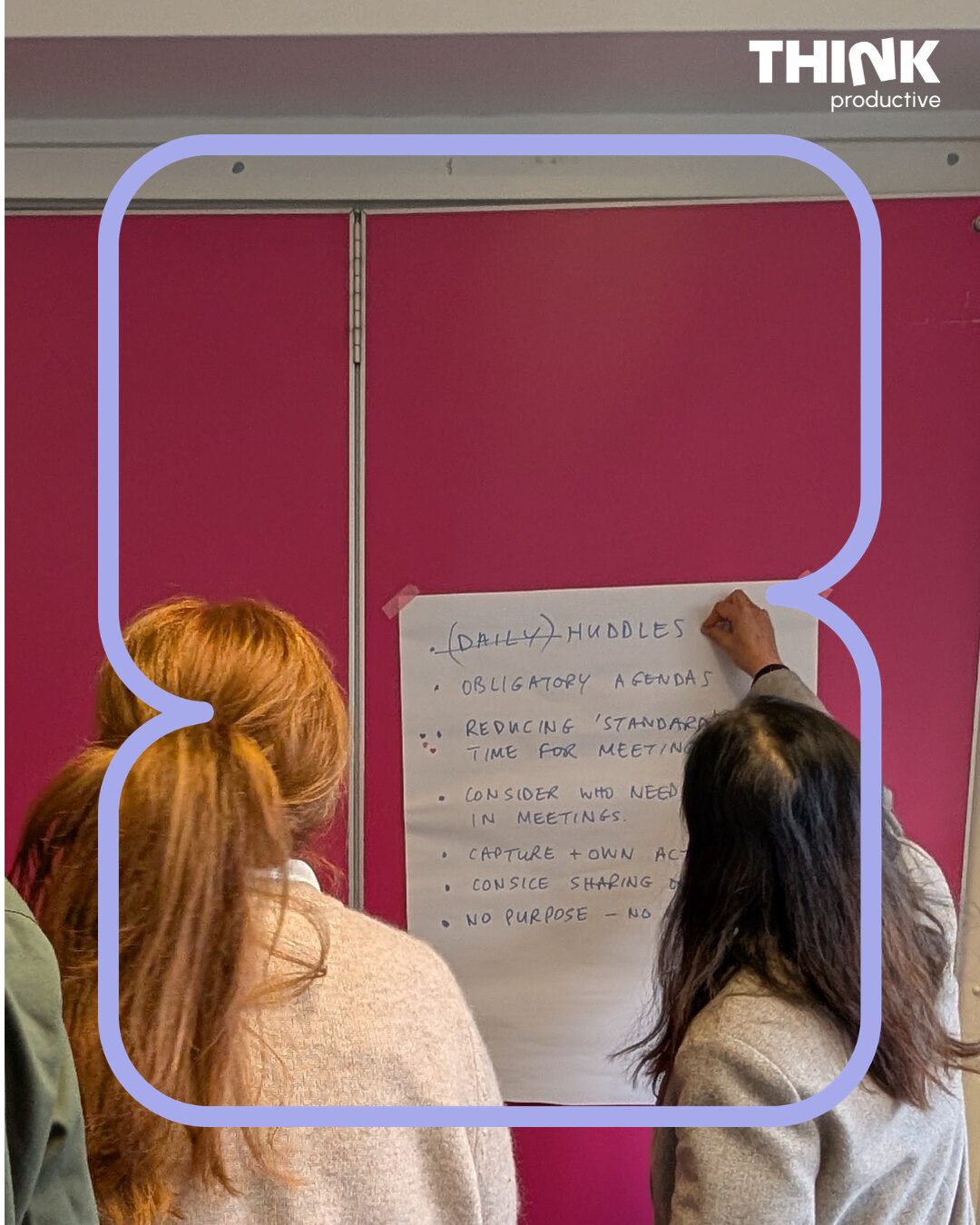
What you’ll do
A hands-on, practical session working directly in PowerPoint and Copilot, not watching a demo from a distance. You’ll leave with real take-home materials: a dedicated post-training website with written notes on every key point covered, video tutorials from the trainer’s own 20,000+ subscriber YouTube channel, the slides covered in class, and the completed exercise files to reference whenever you need them.
What happens when your slides actually work
When teams learn to use the tools at their disposal, everything changes:
- Presentations get built faster, with far less second-guessing
- Slides look consistent with brand guidelines without manual fiddling
- Bullet-point walls get replaced with visuals people actually remember
- Presenters feel confident using AI tools they’d previously ignored or found intimidating
- Online presentations run smoother, with fewer technical fumbles
SHELTER
“Investing in this workshop was one of the best decisions we made for our people and culture.”
Sarat Kumar, CEO, Shelter
Benefits & Results
Immediate benefits
- Practical AI skills participants can apply to their very next presentation
- Faster slide-building, with less time spent on manual formatting
- Confidence using Copilot and other AI tools inside PowerPoint
- A personal library of take-home resources to revisit anytime
What your organization gets
- More consistent, on-brand presentations across the whole team
- Less time collectively spent building and fixing slides
- Presentations that genuinely reflect the quality of the work behind them
- A team actually using the AI tools you’re likely already paying for
Frequently Asked Questions
-
No. It’s beginner-friendly, and relevant whether your organisation is on Copilot Free or Copilot Premium.
-
If you present four or more times a year, or regularly prepare slides for someone else, this is built for you.
-
No. It’s relevant whether your organisation is on Copilot Free or Copilot Premium, the session covers what’s genuinely useful either way, and flags what’s built in versus what costs extra.